
Is Your Computer Overheating? Signs You Shouldn't Ignore

Excessive heat can affect computer performance and reliability. Learn the common warning signs of overheating and simple steps you can take to keep your laptop or desktop running cooler.

Computers generate heat during everyday use, but excessive temperatures can cause performance problems and unexpected shutdowns. If your laptop fan is constantly loud, your computer feels unusually hot, or your system becomes slower during demanding tasks, overheating may be part of the problem.
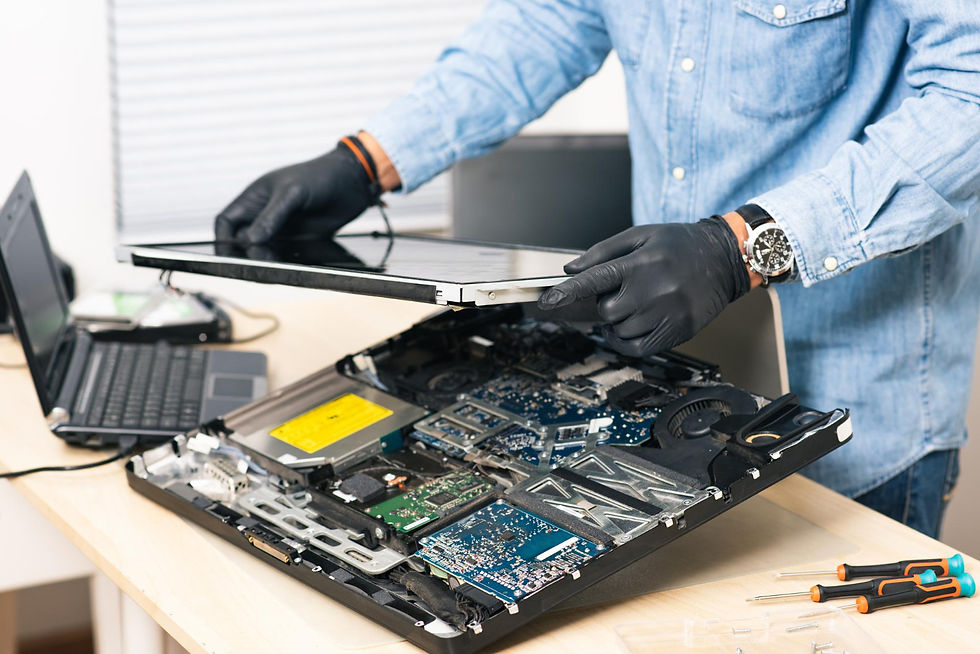
Dust buildup around vents and cooling components can restrict airflow. Using a laptop on soft surfaces can also block air intake and make it harder for the cooling system to work effectively. In some cases, aging thermal material or a failing cooling component may require professional attention.

Comments